June 2024
Release Notes
General
Advanced theme
A new theme now offers a refreshed aesthetic whilst prioritising user comfort with improved readability. This update reinforces our brand identity and elevates the platform's overall user experience.
Record number Reusability after Record Deletion
Allows a new record to utilise the Identification number of an already deleted record. Previously, deleting a record with an associated number could lead to conflicts if you tried to assign the same number to a new record later.
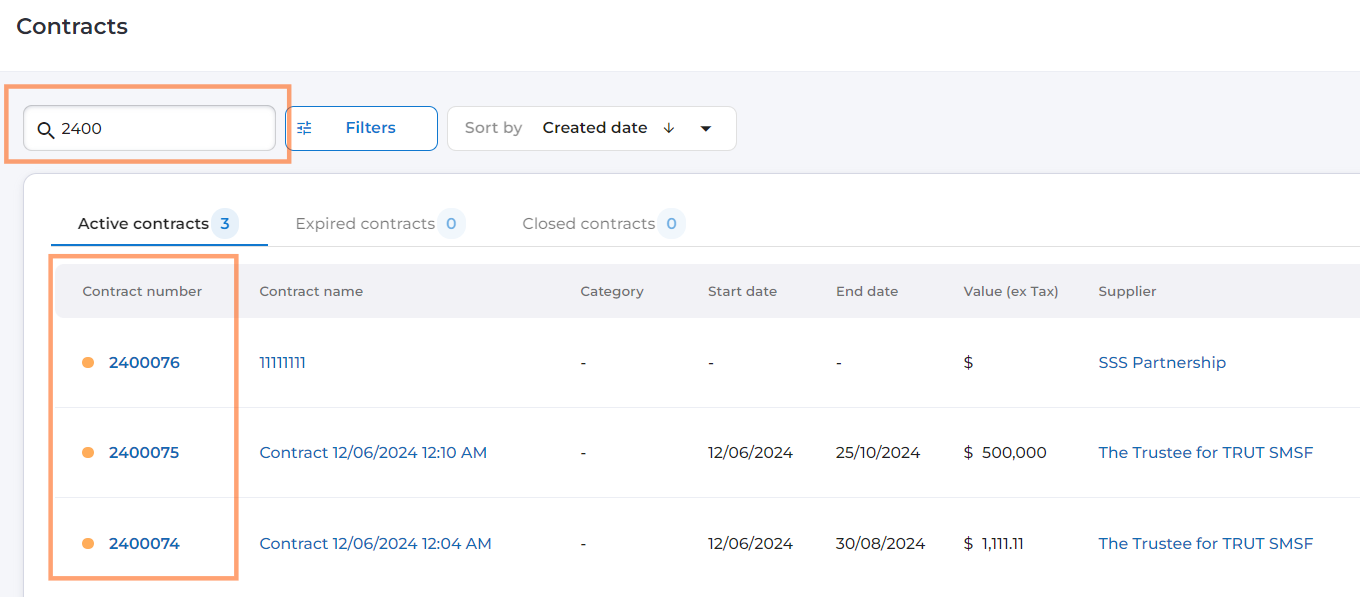
Enhanced Search Functionality with Partial Number/Code Matching
Users now have the ability to search using partial numbers/codes, specifically for record dashboards. Now, users can enter just a few initial characters of the number or code, and the system will display relevant records that start with the entered text.
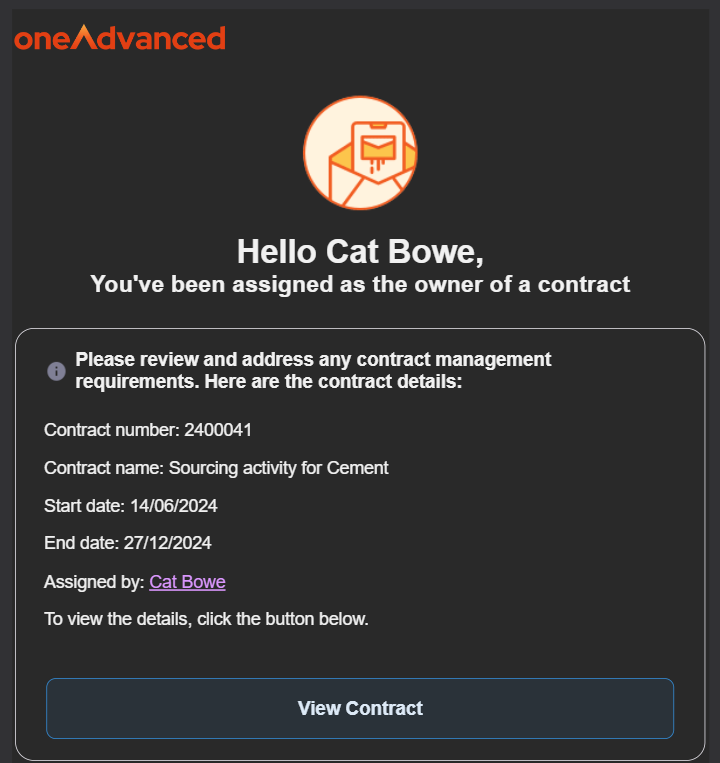
Automated Record Ownership Notifications
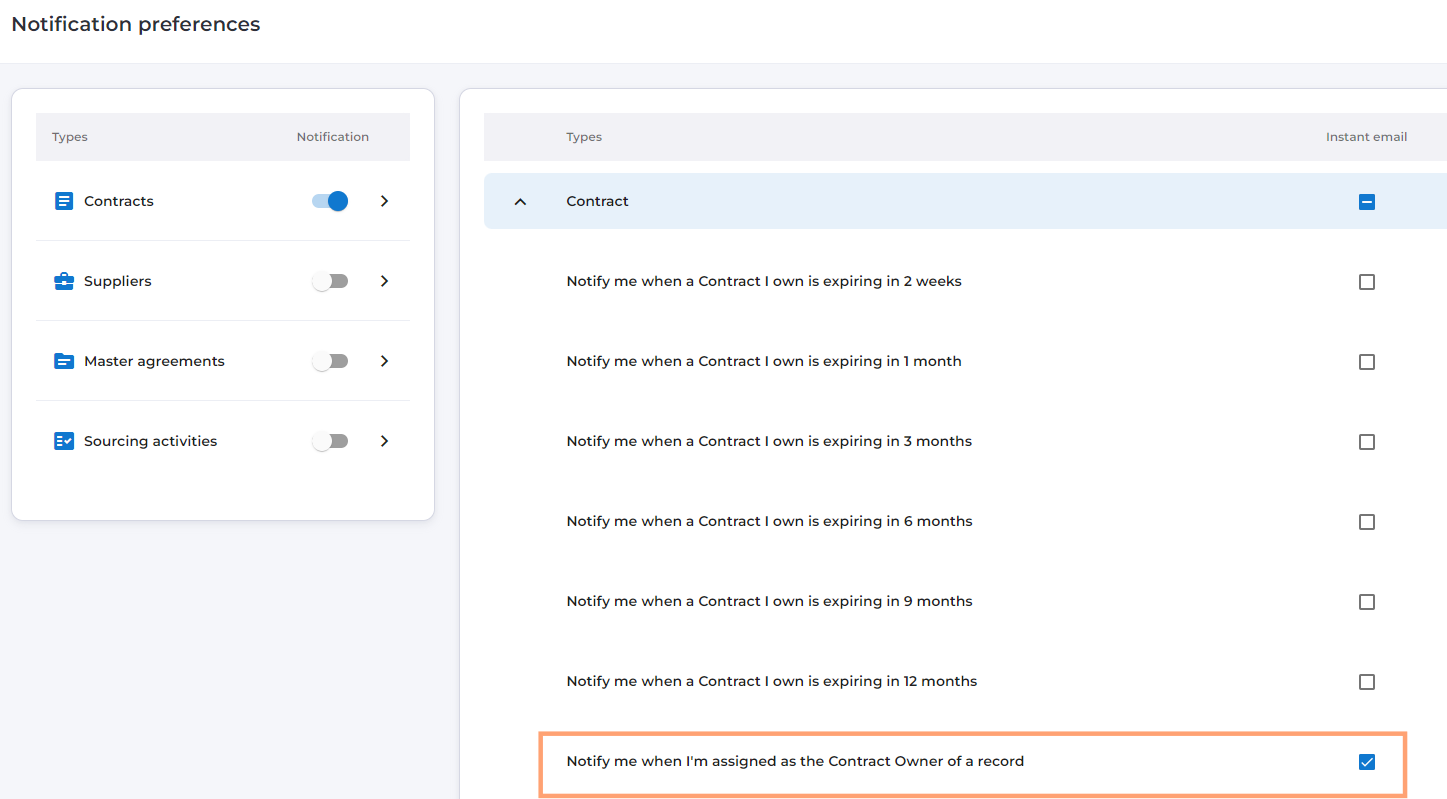
Users can now receive automated notifications as soon as they are assigned as the owner of a contract record. This must be enabled within each users Noticiation preferences. These notifications will inform users about their ownership and include high level details about the specific record.
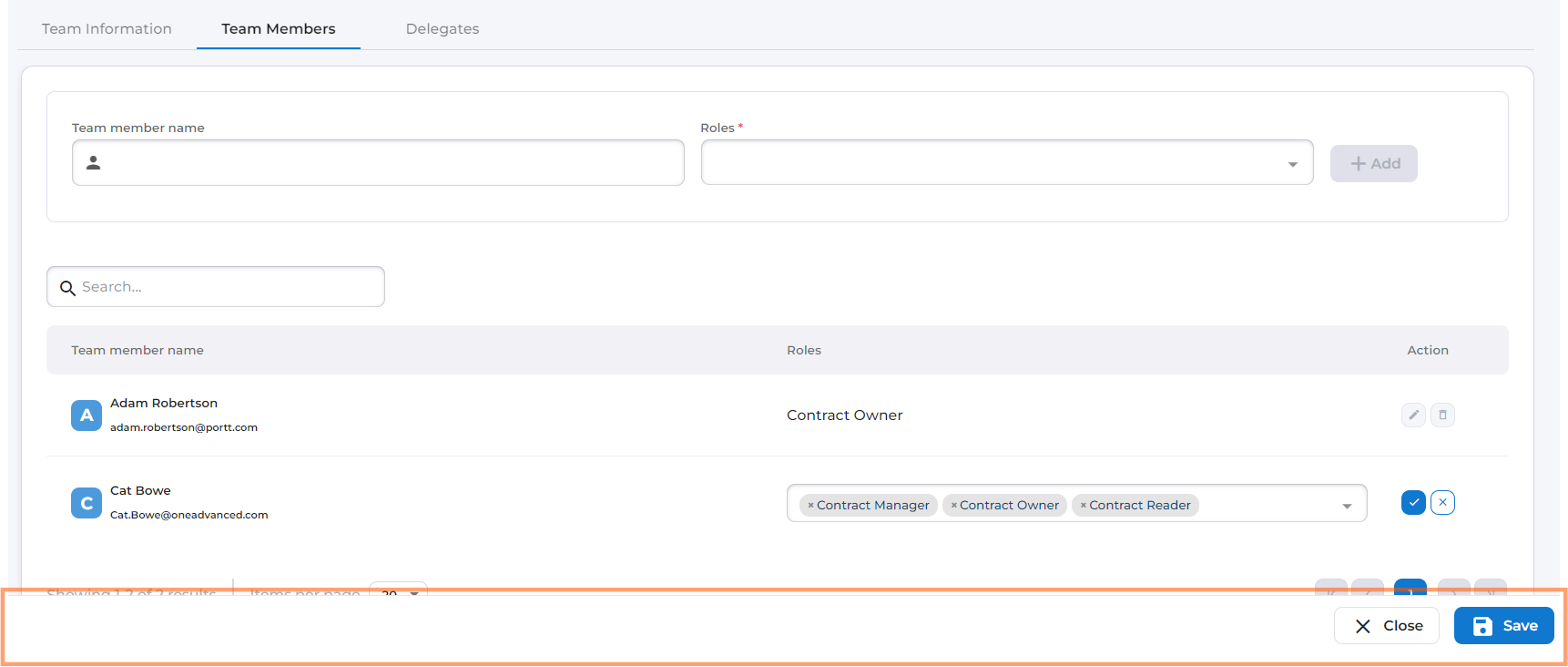
Improved Saving and Submitting with Floating Panel
Floating buttons have now been replaced with a dedicated floating panel at the bottom of the form. This panel will house all relevant action buttons.
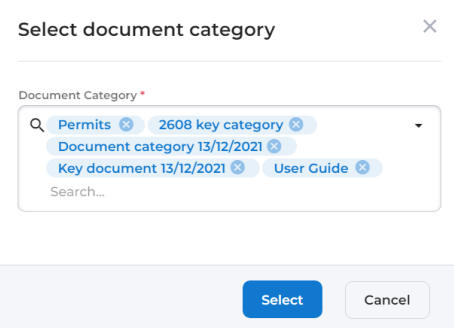
Streamlined User Experience for Multi-Select Dropdowns
The design of multi-select dropdowns have been revamped to display multiple lines for selected items. This provides a clear overview of chosen options, even when selecting numerous entries. Furthermore, an enhanced search functionality has been implemented. Users can now search for and view more items than the previous limit. This facilitates efficient selection, even within large datasets.
Product Hub button
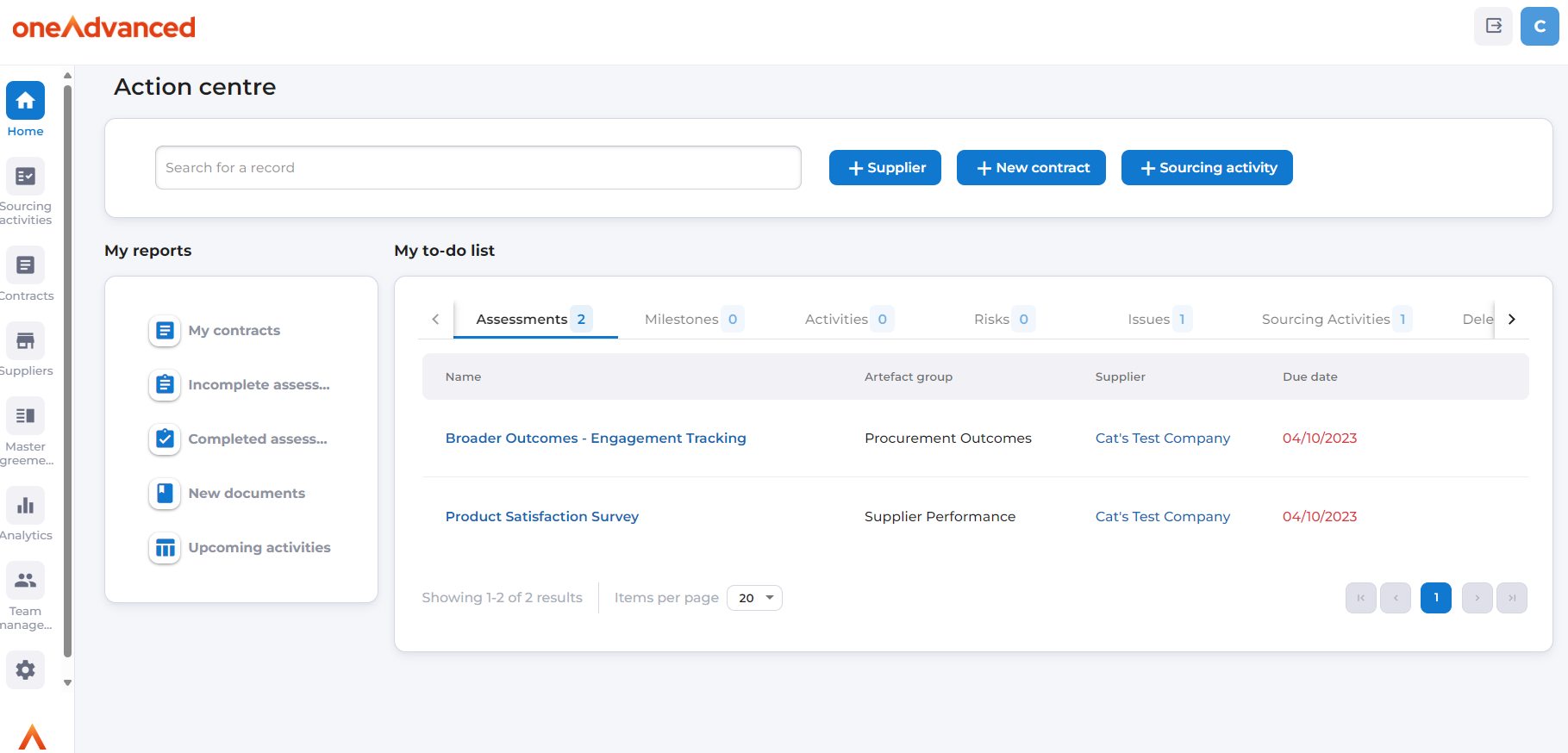
Users will now see a dedicated Product Hub button in the top right hand corner of the screen. This feature allows users to access useful articles within HelpDocs and the latest product release notes.
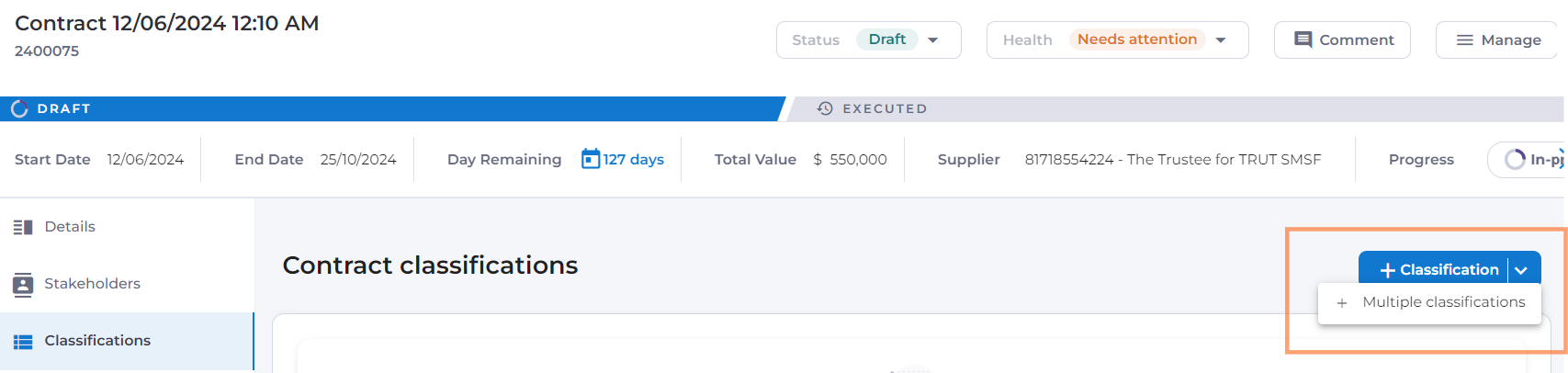
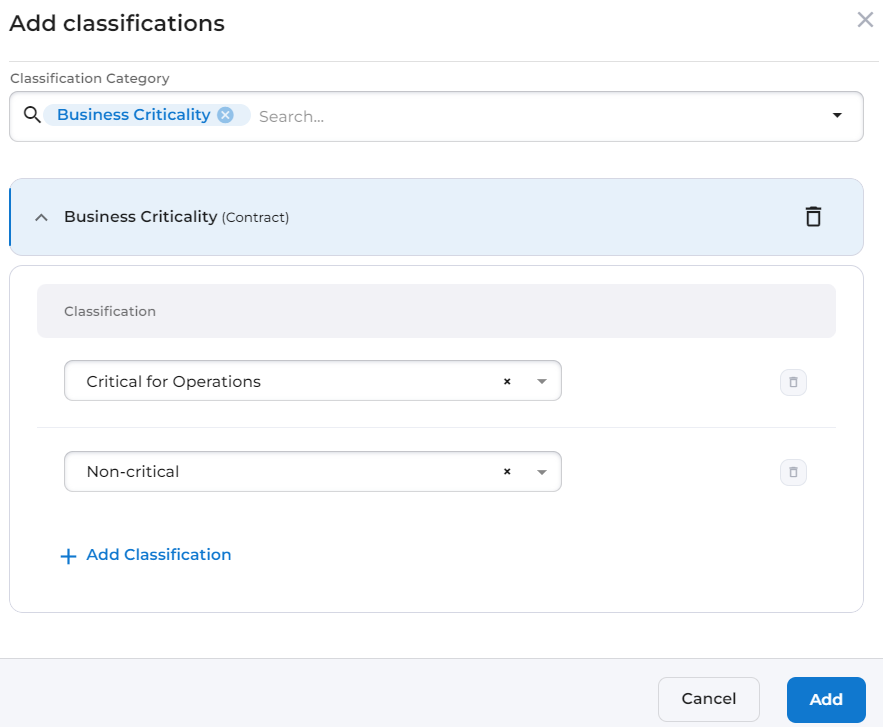
Add Multiple Classifications to Records at Once
Users can now use a multi-select classification form, allowing for efficient selection and assignment of multiple classifications against a record at once.
Set Due Dates Directly During Milestone Creation
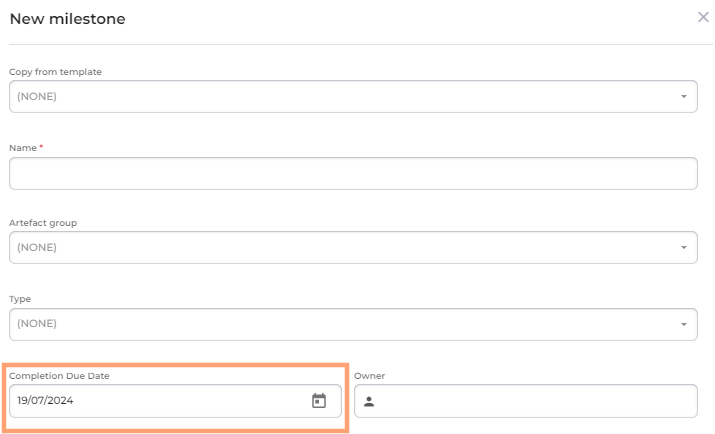
Currently, when a milestone is created, a due date cannot be set as part of initial creation. Users are now able to set due dates directly during artefact creation for milestones. This allows users to spend less time managing forms and more time focusing on completing your tasks.
Project breakdowns
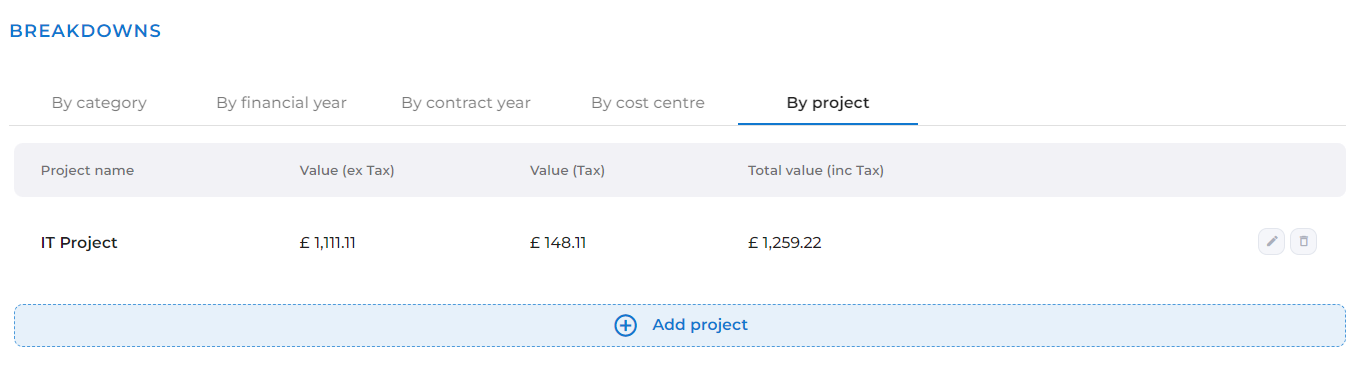
Provides a more comprehensive view of project involvement within contract records. Users can assign relevant projects and specify their corresponding values.
Suppliers
Supplier Data Request
A powerful new feature that allows supplier admin users to efficiently collect and maintain accurate supplier information. This feature will allow for either the bulk sending, or individual sending of data request forms to a supplier contact. The supplier contact will be able to access the form and review existing information, update as necessary and provide any new information before submitting. The form also allows for the collection of contact information, insurance, and certification data.
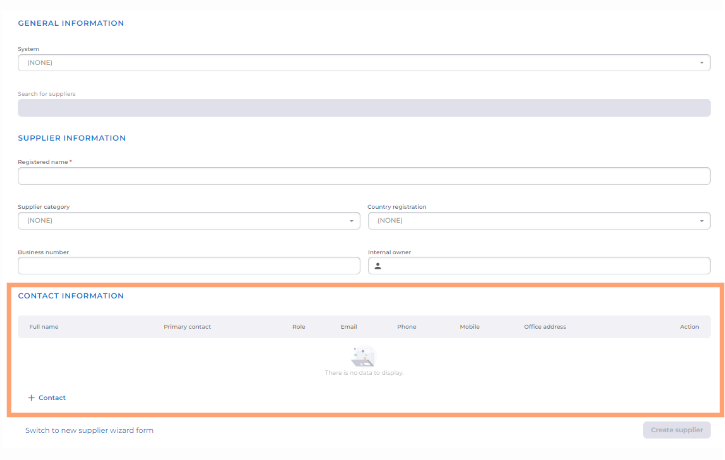
Supplier Contact Management within 'Full New Supplier Form'
Functionality has been added to the full new supplier form, to allow users to create supplier contacts directly during the supplier creation process. This simplifies adding key contact information, such as names, email addresses and phone numbers.
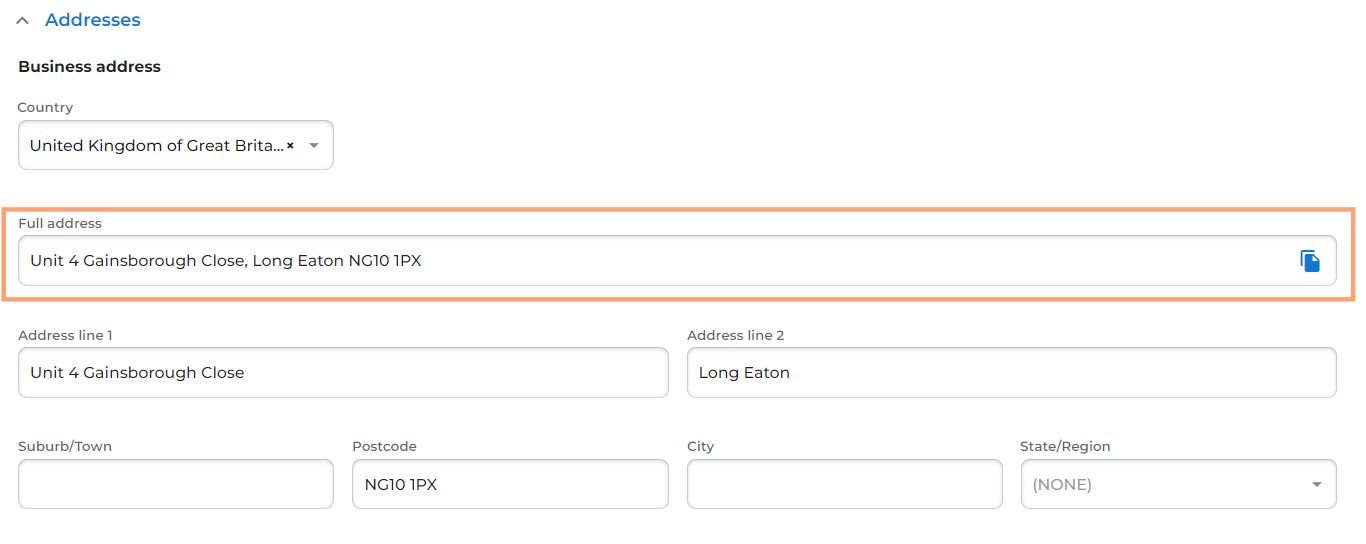
Supplier Address Management "Full Address" Field
A new field 'Full address' has been added to a supplier record. This field concatenates all supplier address details into a single line, to enable integrations and reporting where required.
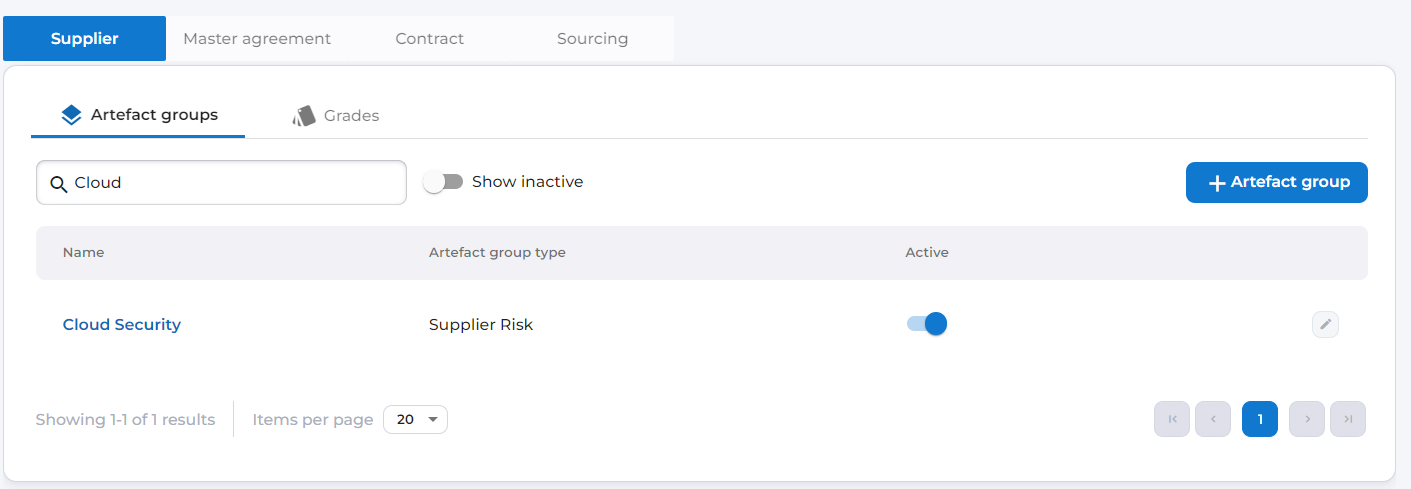
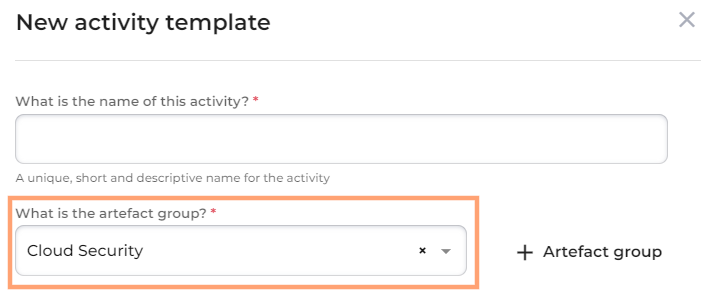
Activities for Supplier Risk (artefact group type)
Users can now create and assign activities to the "Supplier Risk" artefact group. This update enhances the supplier risk assessment and management capabilities by enabling the addition of Activity functionality to the Risk Assessment tab within a supplier record.
Contracts
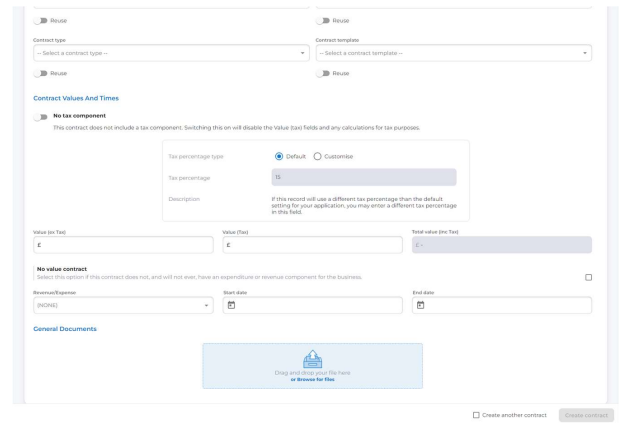
New Contract Creation form
As an alternative to the New Contract wizard, a new form has been implemented that allows users to create contracts more efficiently and with less clicks. This new form also allows users to upload documents as part of the contract creation process, and to be able to create more multiple contracts in succession.

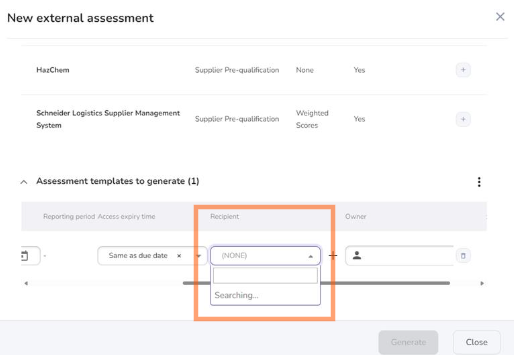
Enhanced Contact Search in Dropdowns
An enhanced search functionality for contact dropdowns. Now, users can search for and view more contacts than the default limit. This allows for a more comprehensive search experience, especially when working with extensive contact lists.
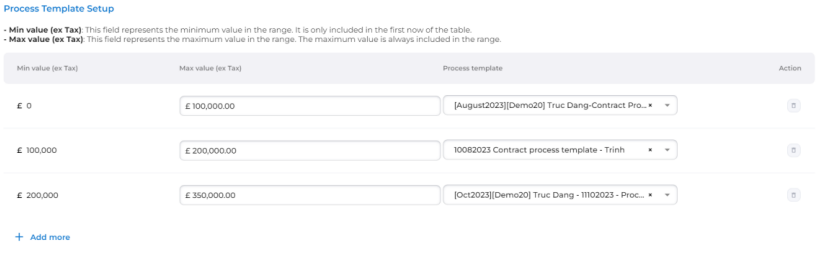
Contract Value-Based Process
This feature ensures contracts will be created with the appropriate process template. System administrators can now define contract types tailored to specific contract value ranges. During contract creation, the system automatically selects the appropriate template based on the entered contract value.
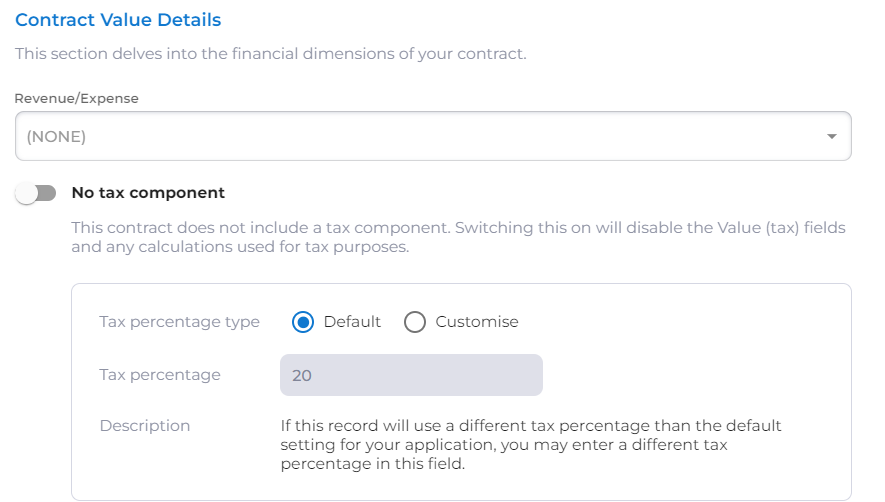
Contract-Specific Tax Percentages
Previously, a single, default tax percentage set in the site settings was applied to all contracts. This limited users' ability to manage tax calculations that may differ from the default rate. So now there is a 'customise' option that allows users to set a custom tax rate to the contract.
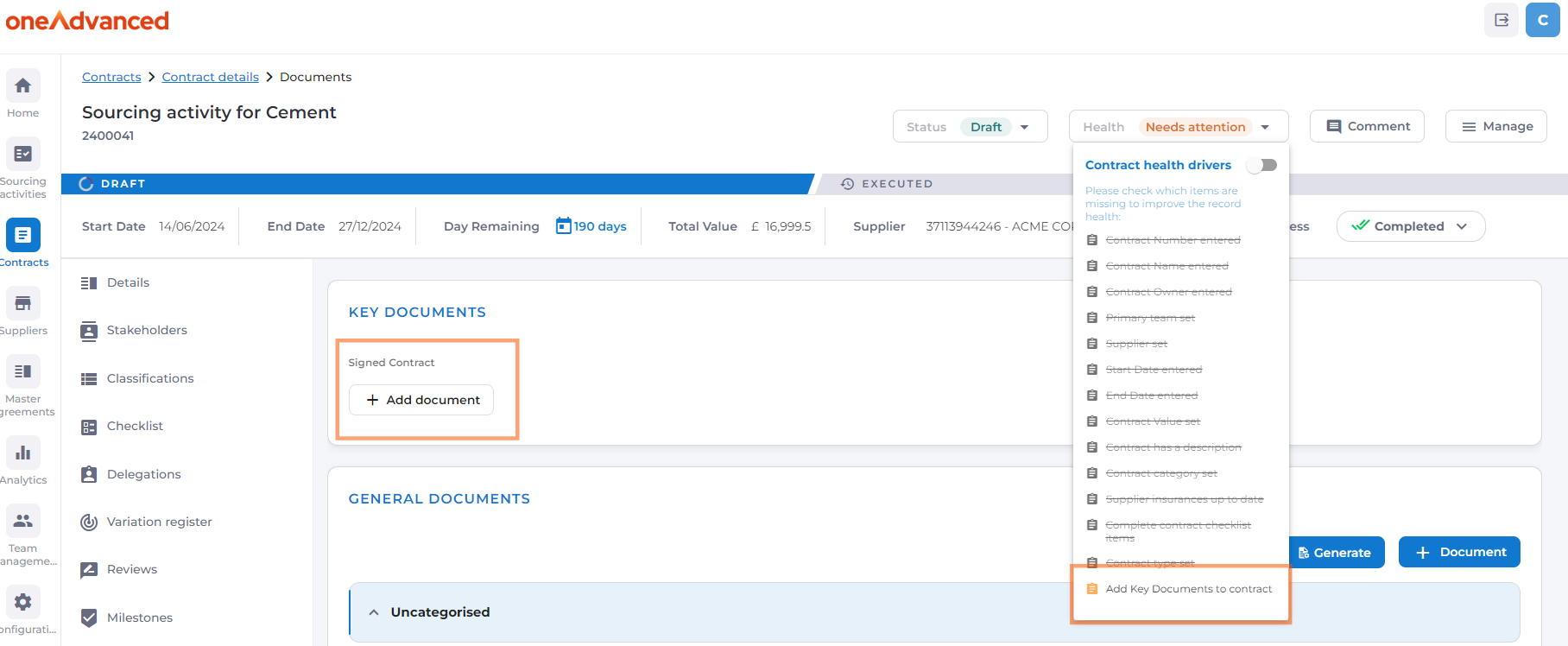
Health check for Key Documents
Ensuring contracts have all necessary documents is crucial for compliance, risk mitigation, and efficient contract management. System Administrator users can now define which Document Categories against a Contract Type, are required. When the Contract Type is chosen as part of contract creation, the system automatically identifies which essential documents are required and the contract Health Status will remain amber until a document has been provided.